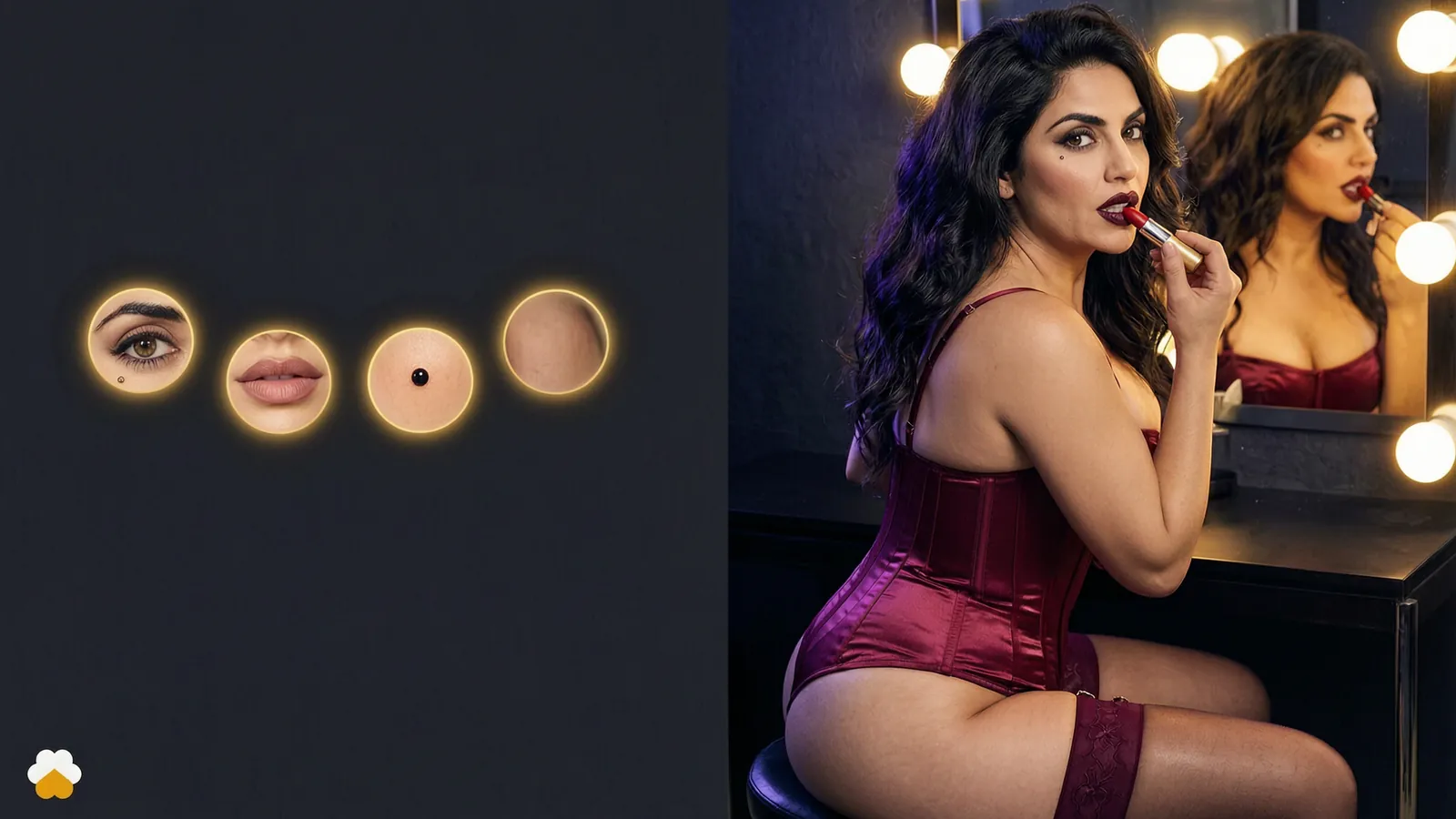
Consistent character AI video: the same woman in every scene
Character consistency is the hardest problem in AI video. Why prompts and reference images drift, and how an accepted look fixes it.
The Corny team
· 5 min read · updated
 Feature
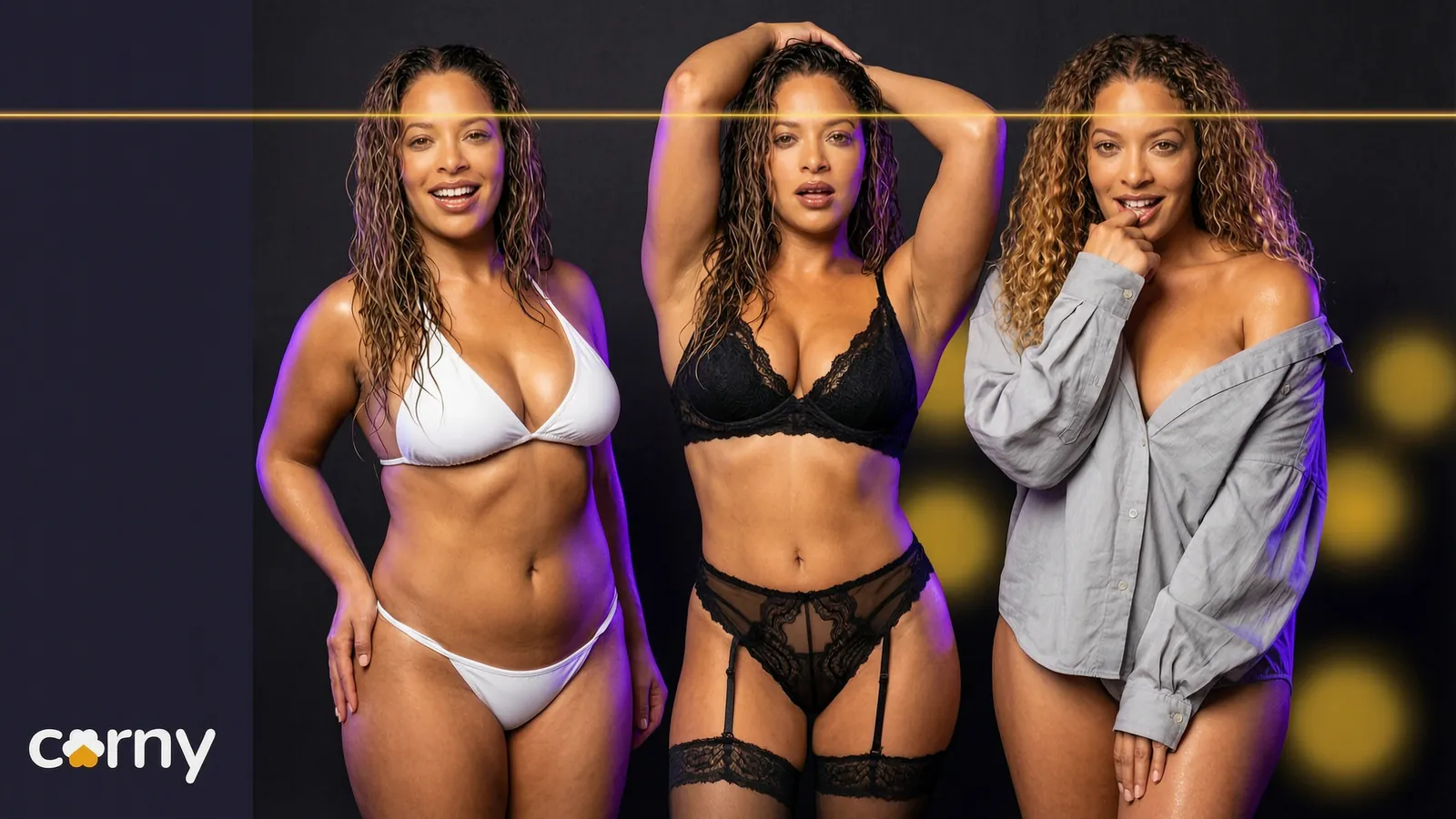
A consistent character in AI video is the same woman, with the same face, in every clip you make. Most tools do not give you that by default, because the model knows your words and not her. Corny Studio fixes it by keeping one accepted still as her face and building every take on it.
Ask anyone who makes AI video what the hardest part is and you will hear the same answer: character consistency. One clip of her is easy. Ten clips of the same her is the real work.
Why characters drift
A video model does not know your character. It knows your words. Long dark hair and green eyes fit a great many faces, so each render picks a new one. Small changes in the prompt make it worse: move her from a beach to a bedroom and the light, the angle and the face all shift together.
Drift inside a clip is one problem. Drift between clips, when Monday's woman and Tuesday's woman look like cousins, is the one that ruins a series.
The usual fixes and their limits
| Approach | How it works | Where it falls short |
|---|---|---|
| Repeating the prompt | Describe her the same way each time | Close, never identical |
| A reference image | Feed a still with every request | Drifts as the scene changes |
| Image to image | Rework an existing picture | Keeps the scene as well as the face |
| Training your own model | Teach a model her face | Needs many images, time and a GPU |
All four can work. All four put the effort on you, every single time.
Repeating the prompt
You write one long description of her and paste it into every request. It helps while nothing else changes. The moment you alter the scene, the same words produce a new face, because a description is a category and not a person.
A reference image
You attach a still of her to each request and the model tries to match it. It still asks the model to guess what she looks like from other angles and in other light, so the further the new scene is from the reference, the more she drifts.
Image to image
Image to image starts from a finished picture and repaints it. People searching for img2img and a consistent character usually hope it will carry a face into a new scene. It has a built in trade. Repaint lightly and the face holds, but so do the pose, the outfit and the room. Repaint heavily and the scene changes, and her face goes with it. It is good for variations of one picture and weak for a new scene.
Training your own model
You collect a set of pictures of her and train a small model on them, often called a LoRA. Done well, this is the strongest of the four. It also has a catch: you need a set of consistent pictures of her before you can train, which is the problem you started with. Then you need a GPU, time and the patience to redo it when the base model changes. We go through that route in Corny vs self hosting.
An AI image generator with character consistency is half the answer
Some people solve stills first, then animate each still. That works for one scene at a time, but every new scene needs a new still that matches the last one. We compare the two routes in NSFW image to video, or a character you direct.
An accepted look
Corny takes a different route. You design her once in the character creator and accept her look. The studio keeps that still as her face and builds every take on it. You never attach a reference or repeat a description. You name her and she arrives.
The difference from a reference image is who does the work. With a reference, you carry the picture to every request and judge the match yourself. With an accepted look, her face belongs to the character, and the studio brings it to every take that names her.
What stays fixed and what moves
Her face is fixed. Everything else is yours to change: the outfit, the pose, the place, the length and the shape of the clip. That split is the point. A feed needs variety around a face that never changes.
A short plan shows it. One character, five takes, nothing repeated but her:
| Take | What she wears | Where |
|---|---|---|
| 1 | A sundress | A beach at golden hour |
| 2 | Lingerie | A hotel room |
| 3 | A bikini | A rooftop pool |
| 4 | A robe | A bedroom |
| 5 | A slip dress | A balcony at night |
A quick test for character consistency
Use this on any tool before you commit to it:
- 1Make her, then make her again in a different room. Is it the same woman?
- 2Change only the outfit. Does her face change with it?
- 3Compare a close shot with a wide one.
- 4Come back the next day and make one more. Does she still match?
If a tool passes all four without you pasting anything, it has a character system. If it does not, you are the character system.
Through the API too
The same holds for developers. A character built in the studio carries her face into every API job that names her, so an app can show the same woman on video across thousands of renders. The API has the details.
Read the feature page on the same face in every take, or the creator's guide to keeping an AI model consistent.
Frequently asked questions
What is character consistency in AI video?
Character consistency means the same character looks like the same person from one clip to the next. Her face, above all, has to hold while the outfit, the pose and the place change. It is hard because a video model works from a description, and a description fits many faces.
How do you keep a consistent character in AI video?
The common ways are repeating one description, attaching a reference image, reworking a picture with image to image, or training a model on her face. In Corny you design her once and accept her look. The studio keeps that still as her face, and every take that names her carries it.
Does img2img keep a character consistent?
Only partly. Image to image repaints an existing picture, so a light pass keeps her face but also keeps the pose, the outfit and the room. A heavy pass frees the scene and loses the face. It suits variations of one picture more than a new scene.
Is there an AI image generator with character consistency?
Corny can make a photo as well as a clip, and both carry her accepted face. It is video first, though, so the studio is built around clips with sound.
Does a character stay consistent through the API?
Yes. A character built in the studio keeps her face in every API job that names her. Your users see the same woman on every render.