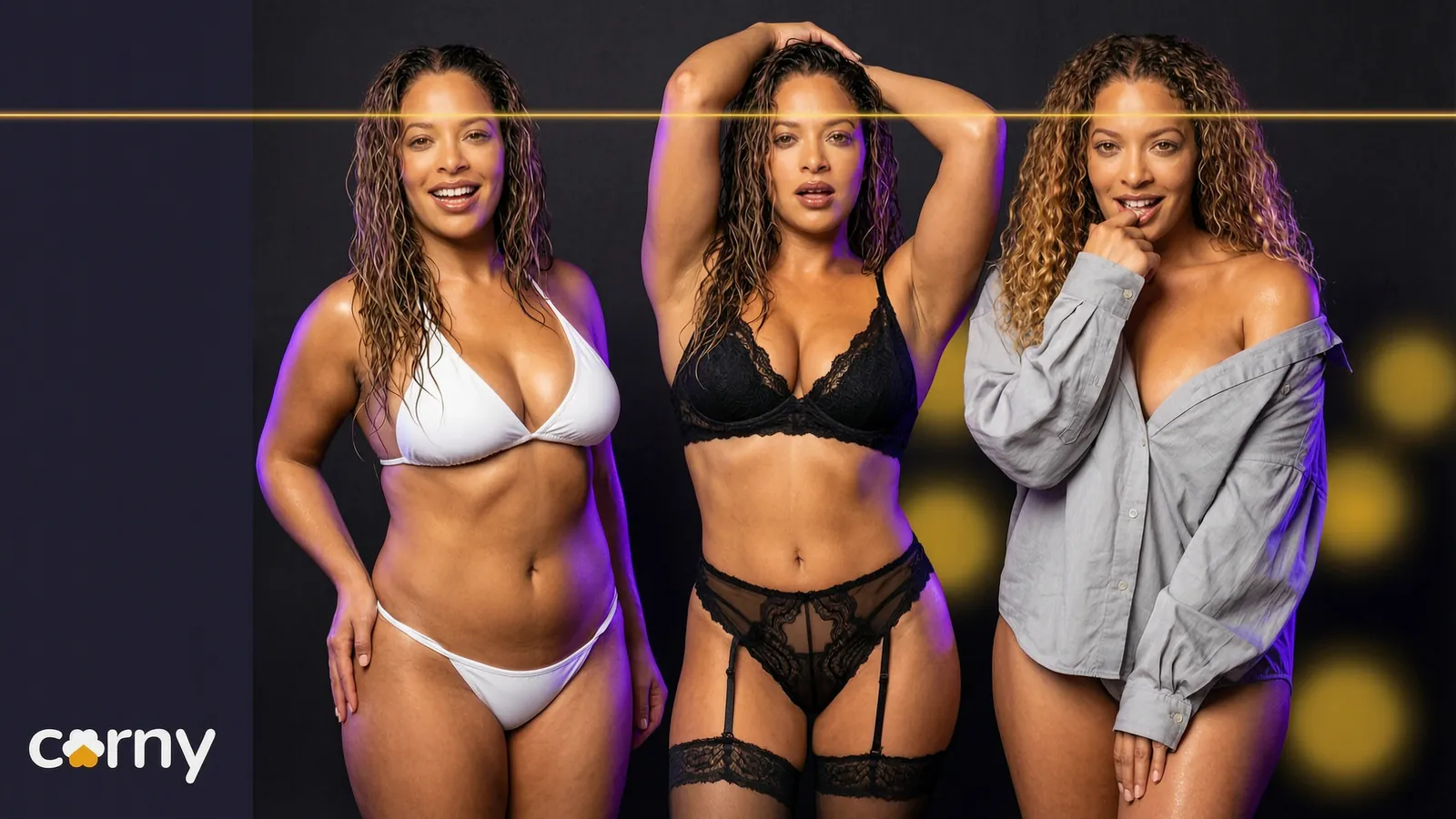
An AI girl generator that lets you choose every trait
Most AI girl generators give you a random face from a prompt. Here is how to design a woman trait by trait and keep her for every clip.
The Corny team
· 5 min read · updated
 Feature
An AI girl generator makes a picture of a woman who does not exist. Most of them work from a prompt and hand you a new face every time you press the button. Corny Studio works the other way round: you choose her traits one by one, accept the look you like, and she stays that woman in every clip you make of her. Every character is a fictional adult.
Why a prompt gives you a different woman each time
Type a few words into most AI girl generators and you get a pretty face. Type them again and you get a different one. The model has no memory of her. It only has your words, and words like dark hair and green eyes fit a great many faces.
That is fine for a single picture. It is no use if you want to keep her.
Choosing instead of describing
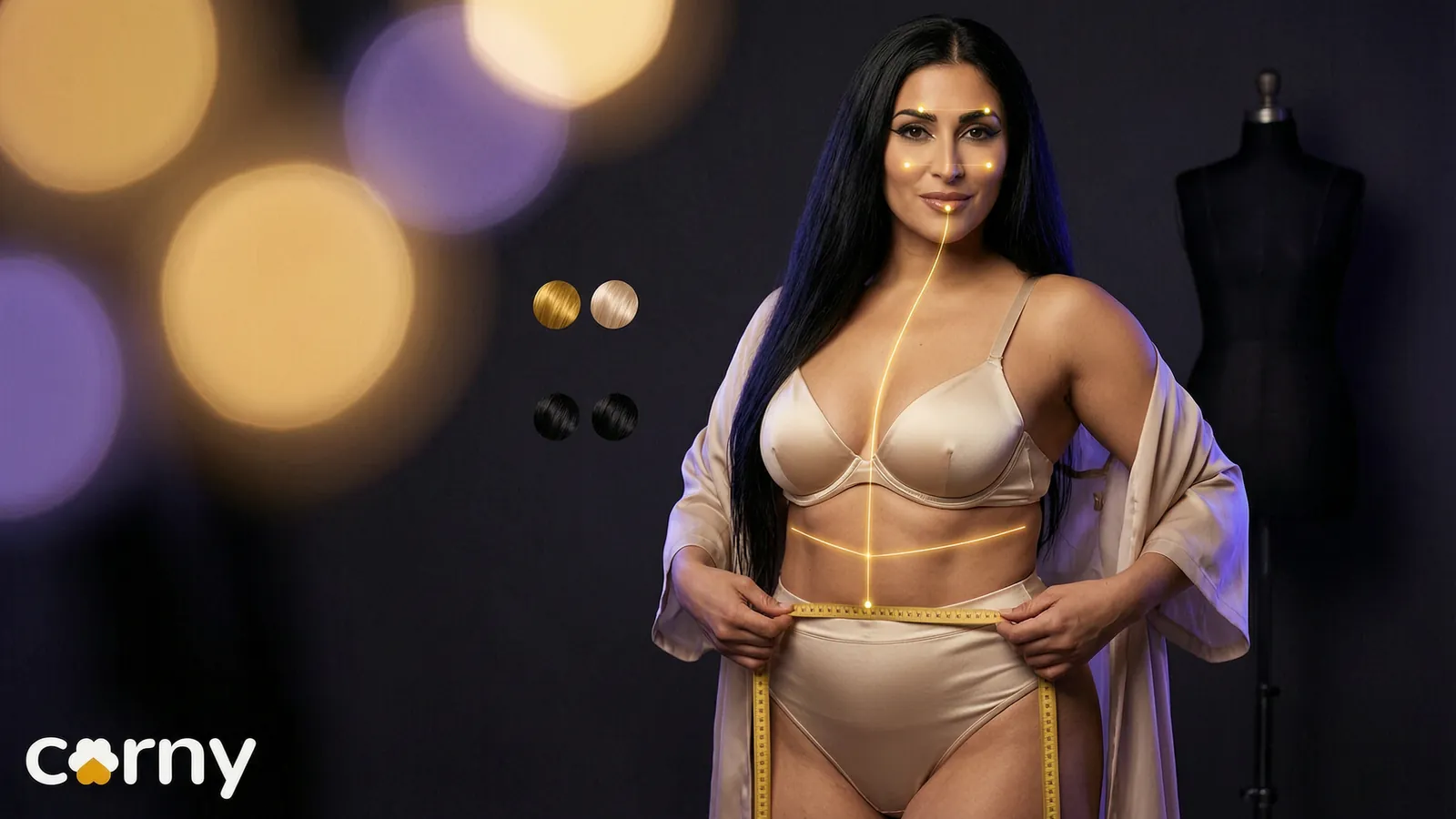
In Corny's character creator you build an adult woman from picks, not from a paragraph:
- Heritage, skin tone and age.
- Face shape, eye shape and eye colour, brows, nose and lips.
- Hair colour and style, from a pixie crop to waist length.
- Height, build, bust and hips.
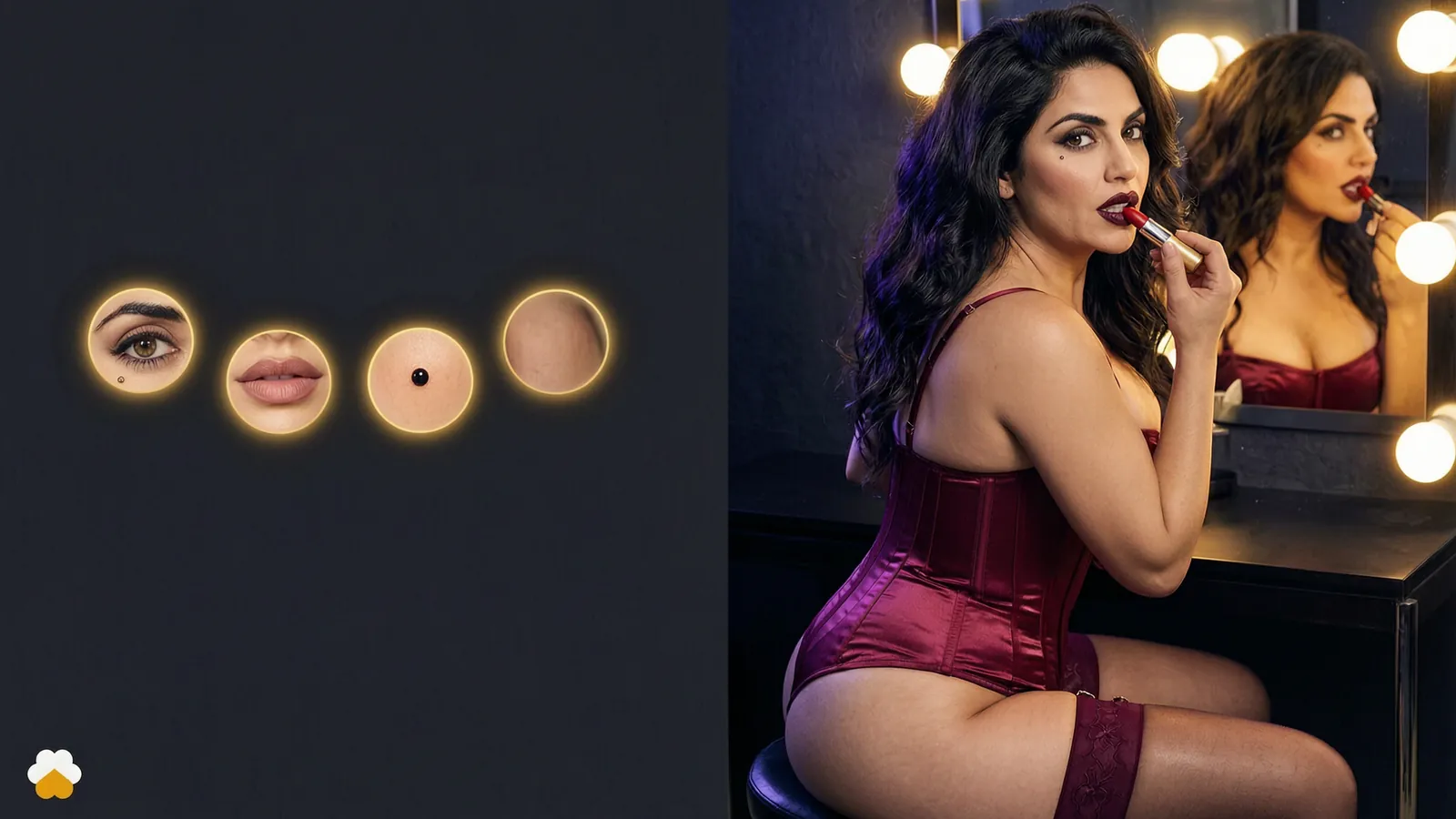
- Small details: freckles, dimples, long lashes, a beauty mark.
Each pick is a clear choice with a picture, so you never wonder which words the model will listen to.
Create your own AI girl, step by step
- 1Start from a look or from nothing. Pick one of the starting looks, press randomise, or set every trait yourself.
- 2Set who she is. Choose her heritage, her skin tone and her age. The age control starts at 18.
- 3Build her face. Go through face shape, eyes, brows, nose and lips. Add details if you want them.
- 4Choose her hair. One pick for the style and one for the colour.
- 5Set her body. Height, build, bust and hips.
- 6Generate her look. The studio turns the picks into one description and shows you the woman they add up to.
- 7Adjust and accept. Change what is off, generate again, and accept her when she is right.
A worked example
Say you want a redhead with a sharp, playful face. The picks could be these:
| Trait | Pick |
|---|---|
| Face shape | Heart |
| Eyes | Upturned, green |
| Brows | Full |
| Nose | Button |
| Lips | Bow |
| Hair | Copper, in curls |
| Details | Freckles and dimples |
| Build | Athletic |
Generate, and you see her. If the curls are too much, change the hair style to waves and generate again.
Generate, adjust, repeat
Press generate and see her. If her eyes are not right, change the eyes and generate again. Everything else stays as you set it. You are editing a person, not rolling dice.
Accept her
This is the step a prompt based AI woman generator does not have. When she looks right, you accept her look. That still is kept as her face. From then on, every clip that names her is of that woman, whatever she wears and wherever she is. That is the whole idea behind the same face in every take.
Is it a free AI girl generator?
Designing her costs nothing. You can change traits and generate her look until she is right without spending a credit. New accounts also start with welcome credits and need no card to begin, so your first clips of her are covered as well.
After that, clips are paid for in credits, and the price of each take is on screen before you render it. How that works is in credits, explained.
A realistic AI girlfriend generator?
Realistic, yes. Corny is photorealistic only. It does not do anime or drawn styles, and everything in it is tuned for a woman who looks filmed.
A girlfriend in the chat sense, no. Corny has no chat today. Talking to your characters is on the roadmap. What you get now is video of her, which we cover in AI girlfriend video.
From a picture to a person on video
A generator stops at the image. A studio starts there. Once she is accepted you can put her on a beach, in a hotel room or on a rooftop, in clips with sound, and she is the same in all of them.
| A prompt based AI girl generator | Corny Studio | |
|---|---|---|
| How you make her | Describe her in words | Pick each trait |
| Making her again | Close, never the same | The same accepted face |
| What comes next | Another image | Clips of her with sound |
How to pick the best AI girl generator for you
The best AI girl generator depends on what you do after the first picture. Four questions sort it out:
- Can you make the same woman twice? If not, you have a picture, not a character.
- Do you choose her features, or do you hope the prompt lands?
- Does she look like a photo or like a drawing, and which do you want?
- What can you do with her afterwards: more stills, or video?
If one good image is all you need, almost any generator will do. If you want to keep her, look for a tool that attaches a face to a character.
Read more in inside the character creator.
Frequently asked questions
What is an AI girl generator?
An AI girl generator is a tool that makes an image of a woman who does not exist. Most work from a text prompt and return a new face on every try. Corny Studio lets you pick her traits instead, and keeps the look you accept as her face. Every woman it makes is a fictional adult.
Can I create my own AI girl from scratch?
Yes. In Corny you set every trait yourself, from her face shape and eye colour to her hair, build and height. You generate her look, change any trait you like and generate again. When she is right, you accept her.
Is there a free AI girl generator?
Designing a character's look in Corny costs nothing, and new accounts start with welcome credits with no card needed. Clips of her are paid for in credits. The price of a take is shown before you render it.
Will my AI girl look the same every time?
Yes, once you accept her look. That still is kept as her face, and every take that names her carries it. Her outfit, her pose and the place can change freely around it.
Can an AI woman generator copy a real person?
Not this one. Corny only makes fictional adults that you design from traits. It does not make clips of real people and it does not animate uploaded photos of people.
Can I make videos of the AI girl I create?
Yes, and that is the point of the studio. After you accept her, you choose what she wears, how she is posed and where it happens, or write the shot as one sentence. Each take comes back as a clip of up to ten seconds with the sound of its scene.