AI porn videos with sound: why silent clips feel unfinished
Most AI porn videos are silent loops. What sound adds to a clip, what kind of sound to expect, and how Corny renders it with every take.
The Corny team
· 5 min read · updated
 Feature
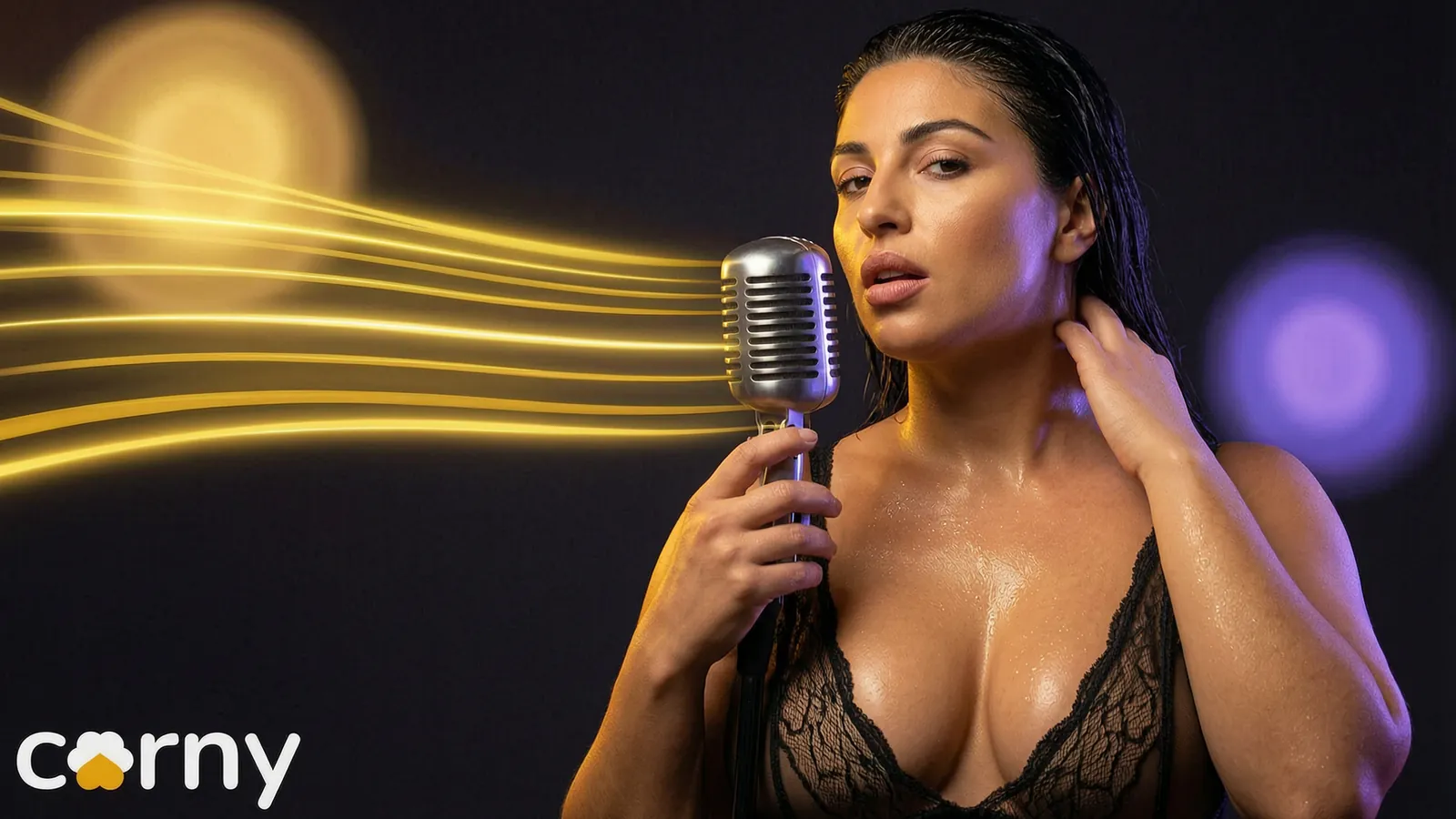
Most AI porn videos are silent, because the picture and the sound are usually made by different models and many tools stop at the picture. In Corny Studio every take is rendered with the sound of its scene, so the clip you download already has its audio. The sound is the scene itself. It is not speech, and it is not a soundtrack laid over the picture.
Watch a handful of AI porn videos and you notice something missing. They move, and they look better every month, but most of them are silent. Silence is what makes a clip feel like a moving picture instead of a scene.
What sound does
Sound tells you where you are. Waves put you on the beach. A quiet room, breath, fabric and skin put you close. Without it the eye does all the work, and the clip feels shorter and flatter than it is.
Sound also carries timing. A movement you can hear lands harder than one you only see, and a few seconds of footage feels like a moment that happened.
Why many generators skip it
Video models and audio models grew up apart. Plenty of tools render the picture and stop, leaving you to add music or leave it silent. Adding sound by hand to every clip is slow, and stock audio rarely matches what is on screen.
Three ways an AI video gets audio
If you are looking for AI video with audio, it helps to know how the audio got there.
| How | What happens | What to expect |
|---|---|---|
| Added by you | You lay music or stock sound over a silent clip | Extra work, and it rarely fits the picture |
| Added by a second tool | Another model watches the finished clip and guesses the sound | Closer, with one more step and one more tool |
| Rendered with the clip | Picture and sound come out of the same render | Sound that follows what happens on screen |
Corny works the third way.
How Corny handles it
Every take in Corny comes back with the sound of its scene: the room or the outdoors, breathing, skin and fabric. You do not switch it on and you do not edit it in. It is part of the render, and the clip downloads with its sound, ready to post.
| A silent clip | A Corny clip | |
|---|---|---|
| Out of the render | Picture only | Picture and scene sound |
| Before posting | Add audio or post silent | Post as it is |
| How it feels | A loop | A scene |
What your picks do to the sound
You do not write a sound prompt. The sound comes from the scene you direct, so the picks you already make shape it.
- The place sets the space. A beach sounds open. A hotel room sounds close and quiet.
- The pose sets what she is doing, and so what there is to hear.
- The outfit changes how fabric moves and sounds.
If you write the shot as a sentence, the same holds. She stretches on a hotel balcony at sunrise points the sound at a balcony in the morning, not at a closed room. More on writing shots in direct in your own words.
A sound check for your first takes
A good way to hear the difference is to keep everything fixed except the place.
- 1Pick one character, one outfit and one pose.
- 2Shoot a short take indoors, for example in a bedroom.
- 3Open the recipe, change only the place to somewhere outdoors and shoot again.
- 4Play both with headphones on.
Same woman, same movement, two different scenes. Every take is saved with its recipe, so this costs you one changed pick.
What it does not do yet
Scene sound is not speech. Her voice is on the roadmap, not in the product today.
It is not a soundtrack either. You do not pick a track in the studio. If you want music under a clip, add it in any video editor after you download, and keep it low, or you bury the sound that makes the scene feel real.
Why it matters if you post
Feeds play video with sound on more often than they used to, and paid pages are watched with attention. A clip that sounds like its scene holds people longer than one that plays in silence.
It also saves a step. A silent clip needs an edit before it goes anywhere. A clip with its sound in place goes from download to post, in portrait for a phone feed or wide for a page. If you plan a week of posts at once, as in a week of clips in one evening, that step saved on every clip adds up.
One caution: a GIF has no sound at all. If a site only takes GIFs, the sound is lost in the conversion. We cover that trade in AI porn GIFs or clips with sound.
Read the feature page on sound in every clip.
Frequently asked questions
Can AI porn videos have sound?
Yes. Many generators return silent clips, but sound can be rendered together with the picture. In Corny Studio every take comes back with the sound of its scene, and the clip downloads with the audio in place.
What kind of sound do Corny clips have?
Scene sound: the room or the outdoors, breathing, skin and fabric. It is rendered with the picture, so it follows what happens on screen. There is no speech, and no track is laid over it.
Does she talk in the clips?
Not today. The sound in a clip is the sound of its scene, not a voice. Her voice is on the roadmap.
Do I have to add the audio myself?
No. There is nothing to switch on, sync or edit. The sound is part of every render, and the clip you download already has it.
Why are most AI porn videos silent?
Picture and sound have mostly been made by separate models, and many tools only run the first. That leaves you with a silent clip and the choice of adding audio by hand or posting it as it is.
Can I use the sound when I post or sell a clip?
Yes. The clips you make are yours to download, post or sell, and the sound is part of the clip. Check the rules of the platform you post on, as you would for any adult content.