
Explore
See what others make, then make it yours.
Publish a take to Explore with its recipe. Others react, comment and remix it with their own characters, and you can do the same with theirs.

Publish when you choose
A take stays private until you publish it.
Remix a recipe
Take a scene you like and shoot it with your own character.
React and comment
Tell people what works.
An AI video community built around recipes
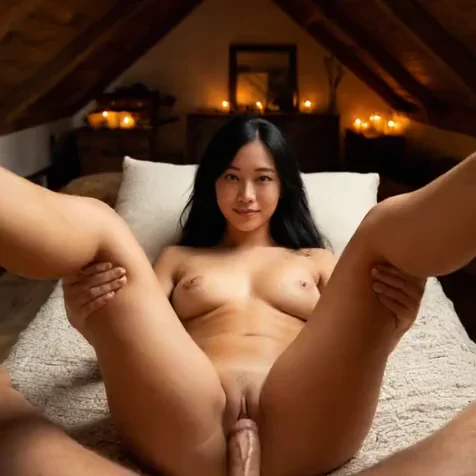
Explore is the feed where Corny users share the takes they choose to publish. Each published take carries its recipe, the outfit, the pose and the place behind it. That makes Explore more than a gallery to scroll. Every scene you see is a starting point you can shoot yourself.
Nothing reaches the feed by accident. A take stays private in your gallery until you publish it. When you do, others can react to it, comment on it and remix it with their own characters. Every character on the feed is a fictional adult made with AI, designed by the person who published the take.
How to remix an AI video with your own character
Find a scene you like on Explore and remix it. The recipe opens in the studio with its outfit, pose and place, and you put your own character in it. She keeps her accepted face, so the result is your woman in their scene. Change any card you like, see the price in credits and render.
The remix lands in your gallery with its own recipe, private until you decide otherwise. If it turns out well, publish it back to the feed and let others take it further. It is the quickest way to try a scene you would not have thought to build from scratch.
Why share your takes on Explore
Publishing a take tells people what works. Reactions and comments show which scenes land, which is useful feedback if you are shaping a character for an account. Seeing what others make also widens what you think to try: new places, poses and outfits you might have scrolled past in the catalogue.
Sharing is optional. If you make clips for yourself, keep everything private and use Explore only to find recipes. If you post, publishing a take puts your scene in front of people who make the same kind of content, and a remix of your recipe shows you how someone else would shoot it.
Questions people ask
Is everything I make published to the feed?
No. A take stays private in your gallery until you choose to publish it to Explore.
What does remixing a take do?
It opens the take’s recipe in the studio so you can shoot the same scene with your own character, and change any card before you render.
Can I comment on other people’s takes?
Yes. You can react to and comment on any take published to Explore.
The features behind it
What people make with it
Make her yourself.
Welcome credits included, no card to start.