How to make an AI OnlyFans model
A practical guide to building an AI model for a subscription page: one face, a steady stream of clips, and the platform rules to check first.
Creator success
· 7 min read · updated
 Guide
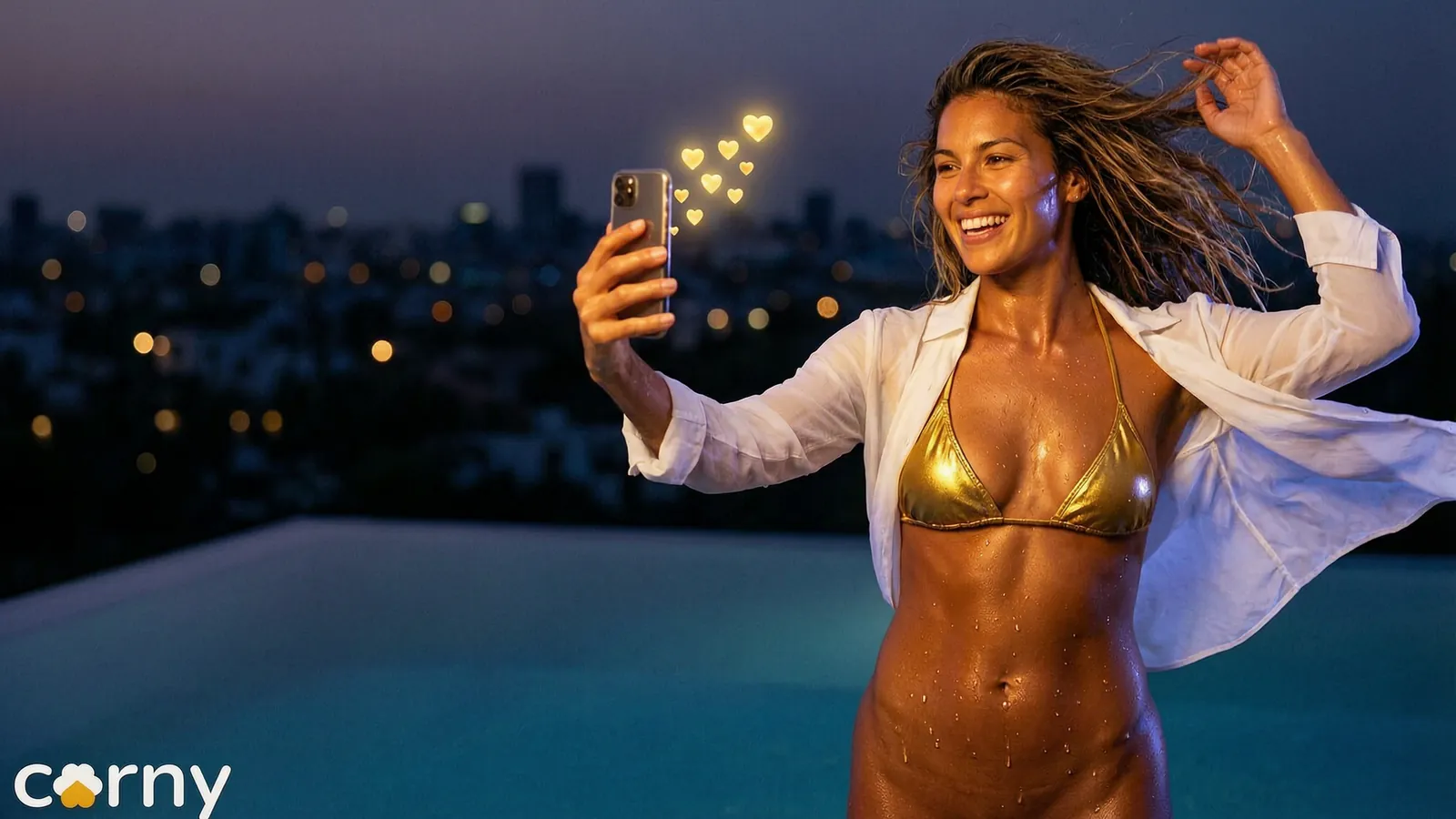
An AI OnlyFans model is a fictional woman, made with AI, whose pictures and clips are sold on a subscription page. To make one you need three things, in this order: a platform whose current terms allow her, a face that stays the same in every clip, and a routine that gives you new clips every week. This guide goes through each step, with Corny Studio as the example.
What an AI OnlyFans model is
People who search for AI OnlyFans or OnlyFans AI mean different things. Some mean chat tools for existing creators. Some mean a real creator who edits her pictures with AI. Here it means a character: one fictional adult woman with a name, a look and a page of her own.
Two things are true of every AI OnlyFans model worth running. She is fictional, so she copies no real person. And a real person stands behind the account: you own it, you answer for it and you read the platform's rules.
AI OnlyFans models that last are run like any small business. The ones that vanish were usually started in a weekend, with no plan for the second week.
Start with the rules
Every subscription platform has its own policy on AI generated content, and those policies change. Before you build anything, read the current terms of the platform you plan to use. We do not summarise any platform's policy here, because a summary goes out of date. We list what to look for in AI content on subscription platforms.
Do this first because the answer shapes everything after it: which platform you choose, how you label her and what you may post. Save a copy of the terms you read and note the date you read them.
Build one woman
An audience subscribes to a person. Decide who she is: her look, her name, her style. Then design her in the character creator and accept her look, so her face is the same in every clip from the first day.
- 1Write three lines about her: who she is, what her world looks like and who would subscribe.
- 2Pick her traits: face shape, eyes, brows, nose, lips, hair, build, bust and hips, down to a beauty mark.
- 3Generate her look. If something is off, change that one trait and generate again.
- 4Accept the look. That still is kept as her face, and every take that names her carries it.
Designing a look costs nothing, so take your time here. A face that changes after people have subscribed is the one mistake that is hard to undo. The routine for holding her steady is in how to keep an AI model consistent.
Give her a world
Pick a handful of places and outfits that fit her. A model with a clear world is easier to follow than one who is everywhere. Three or four places are enough to start.
| Who she is | Her places | What she wears |
|---|---|---|
| A beach girl | Beach at golden hour, rooftop pool, hotel room | Bikini, slip dress, lingerie |
| A city night owl | Hotel room, rooftop pool, bedroom | Robe, lingerie, slip dress |
| A winter cabin type | Cabin, sauna, snowy hot tub | Robe, bikini, lingerie |
The catalogue shows every outfit, pose and place as a picture, so you choose her world by eye. Write your choices down. That short list is what you shoot from every week.
Shoot in batches
Do not make one clip a day. Make a week in one sitting.
- 1Choose a theme for the week.
- 2Shoot two or three takes in each place.
- 3Keep the best of each and schedule them.
In the studio a take is four picks: who she is, what she wears, how she is posed and where it happens. You choose them from the catalogue, or you write the shot as one sentence. For example:
- she laughs on a beach at golden hour
- she ties her robe by the hotel window in the morning
- she sits on the edge of the rooftop pool at dusk
The studio uses your words as written and fills in the picks around them. Each take is a clip of up to ten seconds, in portrait or wide, with the sound of its scene. The price of a take is on screen before you render it.
The full routine is in a week of clips in one evening.
Split teasers from the paid page
Public clips bring people in. Paid clips keep them. Shoot both in the same session: a dressed take for the teaser and the full scene for the page.
Every take saves its recipe, the picks that made it. Open the recipe of the full scene, change only what she wears and shoot again. The two clips then share the same woman and the same place. See subscription teasers.
What may go on a public feed is decided by that feed's own rules, so read those as well.
Take requests
Fans ask for things. With a studio, a request is one sentence away from a clip, which makes fan requests a real part of the business. A request that goes down well is saved as a recipe too, so you can run it again somewhere new.
A first month, step by step
| Week | What to do |
|---|---|
| One | Read the platform's terms, write her three lines, design her and accept her look |
| Two | Choose her places and outfits, shoot a first batch, keep the best takes |
| Three | Open the page, post on a steady rhythm, post teasers where they are allowed |
| Four | See which posts did well, reuse their recipes, start taking requests |
This is an order of work, not a forecast. Some people need longer for the first two weeks, and that is fine.
AI model OnlyFans income: what to expect
Many people ask what an AI OnlyFans model earns. The honest answer is that results vary widely and nobody can promise income. A guide that quotes a figure is guessing or selling something. We give no numbers here.
What you can control is the work:
- Consistency. The same face in every clip, so subscribers know who they follow.
- Rhythm. A good clip on a steady schedule, not ten in one day and then silence.
- Attention. Reading messages and answering requests yourself.
- Costs. You see the price of every take before you render, so you know what a week of content costs before you spend it.
- Standing with the platform. An account that follows the rules is still there next month.
Treat the first months as a test. Spend little, post steadily and see whether an audience forms before you put more in.
Common mistakes
- Building her before reading the terms.
- Changing her look or her style every week.
- Posting in bursts with long gaps between them.
- Hiding that she is AI where the platform or your audience expects to be told.
- Making her resemble a real person. Design her from traits and keep her clearly fictional.
The clips you make in Corny are yours to post or sell. More on running an AI model account.
Frequently asked questions
What is an AI OnlyFans model?
An AI OnlyFans model is a fictional woman made with AI whose pictures and clips are sold on a subscription page. A real person owns and runs the account, but the woman on screen is a designed character. The ones that last have a fixed face, a clear style and a steady flow of new clips.
Does OnlyFans allow AI generated models?
We do not state any platform's policy, because policies change and a summary can be wrong a month later. Read the current terms of service and acceptable use policy of the platform you plan to use, and search its help centre for AI. If the terms are unclear, ask the platform's support and keep the answer.
How do you make an AI OnlyFans model?
Read the platform's current terms first. Then design one fictional adult woman in a character creator, accept her look so her face stays fixed, and choose three or four places and a few outfits that fit her. Shoot a week of clips in one sitting, post them on a steady rhythm, and say openly that she is AI generated.
How much does an AI OnlyFans model make?
Nobody can tell you that honestly. Results vary widely from one account to the next, and many accounts earn little or nothing. Treat any figure you read as a guess, and judge your own account by a careful test with low spending.
Do I have to say that my model is AI?
Check what your platform's current terms ask for, and follow them. Beyond the terms, we recommend saying it in your bio in plain words. Subscribers who know from the start have no reason to feel misled later.
Can I base my AI model on a real person?
No. Corny Studio only makes fictional adults designed from traits, and it does not make clips of real people or animate photos of them. A model who is clearly fictional is also the one a platform is least likely to question.